First Use
Let's get you squishy newbs up to speed
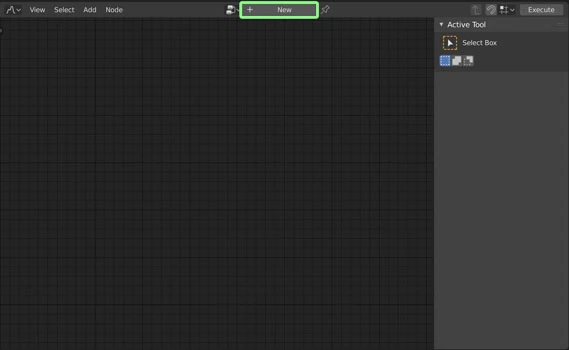
1. Create
Click the New button in the header at the top of the NodeScapes window
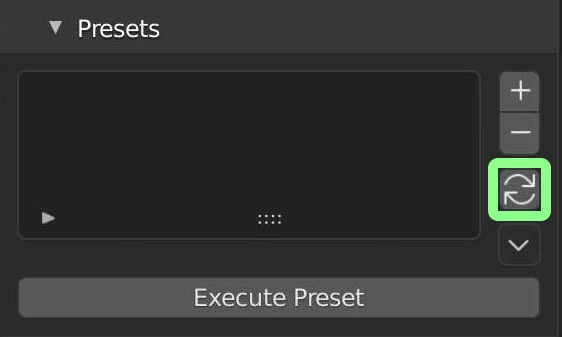
2. Refresh Presets
In the left hand menu that is pulled up by pressing the N key go to the Presets panel and click the Refresh button.
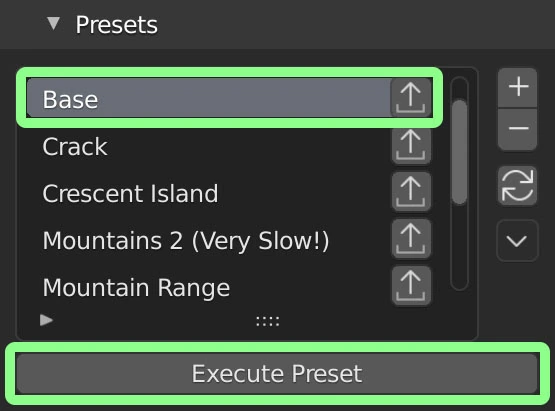
3. Execute Base Preset
With the Base preset selected click the Execute Preset button which will add the Grid node connected to the Mesh Output node.

4. Add Noise Node
Go to Add >> Noise >> Hetero Terrain >> then move the Hetero Terrain node over the link or noodle between the Grid and Mesh Output nodes.
5. Explore!
Add more nodes! Turn up the Density of the Grid Node. Connect multiple noise nodes to each other. Explore the Nodes Documentation for tips and tricks and just general better understanding! See how the Noise Node works. Connect the Hydraulic Erosion Node and watch your terrain come alive!